

43% of online sellers still manage inventory manually, and it costs them more than just time. To avoid losses (and more), smart multi-channel sellers today automate their entire product listing process, from start to finish.
You Might Also Like: 10 Game-Changing Reasons Sellers Should Use Multi-Channel Listing Tools
Try SellerChamp for Yourself!
Schedule a demo today and discover how our Bulk Lister can help you list more products, increase sales, and grow your e-commerce business faster than ever.

What Does It Actually Mean to Automate Product Listings?

Here’s what a fully automated listing workflow covers:
- Product data import. Pull titles, descriptions, images, and item specifics from a barcode scan, CSV file, or supplier feed automatically.
- Multi-channel publishing. Push listings live across Amazon, eBay, Walmart, Shopify, and more from a single dashboard, in one action.
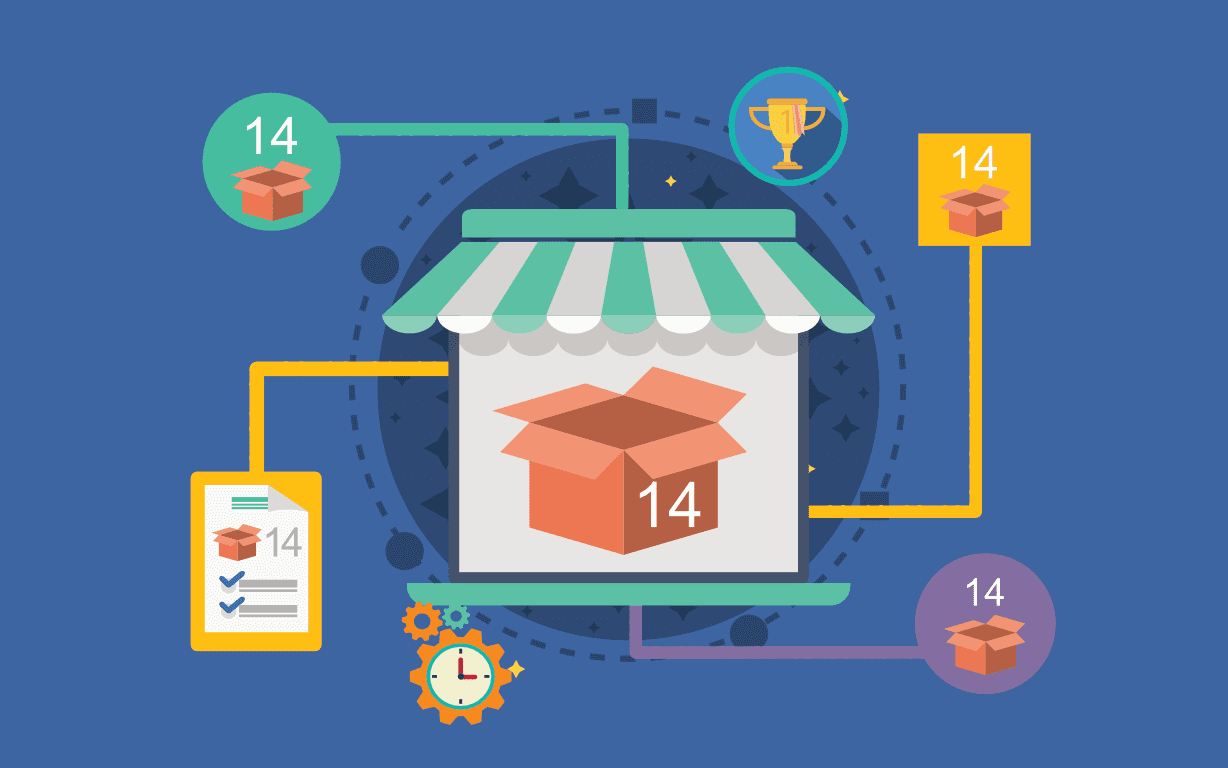
- Real-time inventory sync. When a product sells on one platform, stock levels update across all platforms instantly. No oversells, no manual updates.
- Dynamic repricing. Prices adjust automatically based on competitor activity and market demand. This lets you stay competitive without checking listings hourly.
- Automated order routing. Orders from each channel are routed to the appropriate fulfillment partner (FBA, 3PL, or your own warehouse) without human intervention.
Step 1: Build a Centralized Product Database

- Assign a unique SKU to every product. This makes tracking inventory and sales far easier. Inconsistent SKU structures are one of the top causes of sync errors in multi-channel selling.
- Use a tool like SellerChamp’s Bulk Lister to auto-fetch product data fast and easy, eliminating hours of manual entry.
- Use AI to generate automatically optimized titles and descriptions tailored to each marketplace’s algorithm in seconds. According to industry data, businesses using AI personalization see around a 20% increase in average order values.
Step 2: Choose the Right Multi-Channel Listing Software

Look for these non-negotiables when selecting a platform to automate your listings:
- Broad marketplace integrations. Should connect to Amazon, eBay, Walmart, Shopify, Etsy, TikTok Shop, Newegg, and more (with new channels added regularly).
- Bulk listing at scale. Your tool should be able to list 1,000+ SKUs in minutes.
- Real-time inventory sync. Any sale on any platform must trigger an immediate inventory update.
- API/FTP supplier integrations. For dropshippers and resellers, the ability to auto-import catalogs and inventory directly from suppliers is a major time-saver.
Step 3: Validate Your Inventory Status and Start Syncing
- Sell one unit on eBay? Stock count drops everywhere.
- Receive new stock from a supplier? Available quantities update the moment the shipment is logged.
- List a product as “out of stock”? It gets paused or hidden until inventory is replenished.
Step 4: Tailor Listings for Each Marketplace (Without Starting From Scratch)

You Might Also Like: Writing the Perfect Product Listing: Key Elements to Drive Sales
Step 5: Set Up Automated Repricing to Protect Your Margins
- Set price floors. Ensure you never sell below cost
- Set price ceilings. Cap prices to stay within marketplace policies and avoid pricing anomalies that hurt buyer trust.
- Sales velocity repricing. Increase margins when demand is high, drop prices to clear slow-moving stock.
Step 6: Streamline Order Fulfillment Across All Channels

- SellerChamp’s Multi-Channel Fulfillment Software routes orders automatically based on SKU location, shipping zones, inventory levels, and custom business rules to suitable fulfillment destinations.
- From centralized order management and automated shipping labels to saving up to 85% on shipping costs, let automation tools handle every post-sale step.
- Afterward, you can focus on tracking performance and optimizing sales using Insights & Reports.
What Marketplace Automation Looks Like in 2026
- AI in commerce stands at $9.8B in 2026, driven by automation in product listings, catalog management, and personalization. The market is expected to grow at a CAGR of 6.1% through 2034.
- Automation reduces manual product categorization time by up to 80%, speeding up listing creation across marketplaces.
- 5–15% revenue lift from multi-channel personalization, which is only possible when your automation infrastructure is solid.
- 73% of shoppers use multiple channels before making a purchase.
- 80% of retail executives expect to adopt AI automation across operations by 2025–2026.
Frequently Asked Questions (FAQs)
Q: Is multi-channel listing automation only useful for large sellers with thousands of SKUs?
Q: Can I automate listings without technical skills or coding knowledge?
Q: How long does it take to get fully set up on a multi-channel automation platform?
Q: What happens to my existing listings when I connect a new automation platform?
Q: Will automating my listings hurt my SEO or search rankings on marketplaces?
Q: Can I use automation for dropshipping, not just my own inventory?
Q:What's the difference between cross-listing and inventory sync?
Request a demo
Request a SellerChamp demo today and see how multichannel inventory syncing can help you scale faster, with fewer refunds and happier customers.

![Top Selling Products on TikTok [Updated 2026]](https://sellerchamp.com/wp-content/uploads/2026/09/image7-600x315.png)